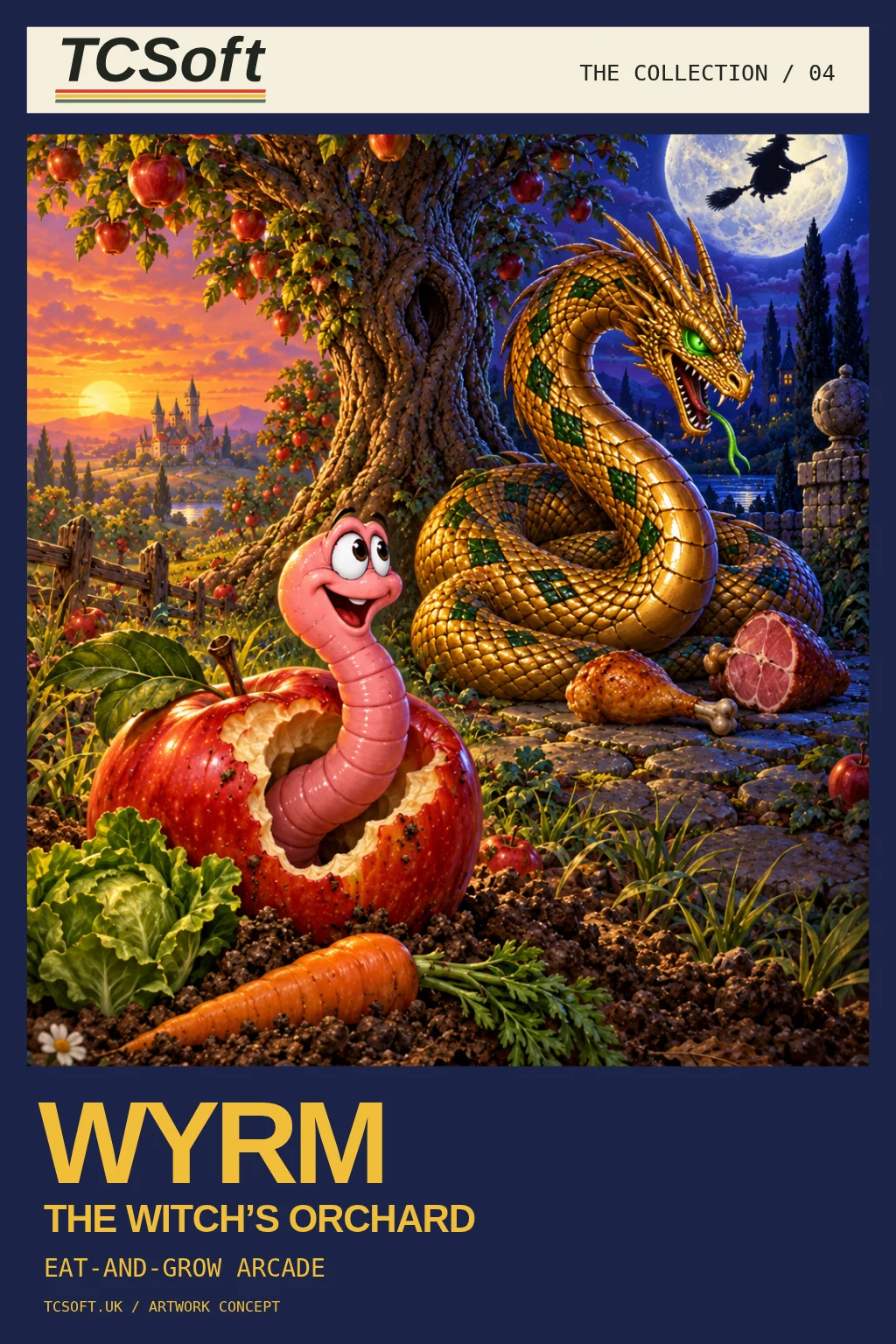

TCSoft / 04 / Eat-and-grow arcade

Wyrm: The Witch’s Orchard

Dinner by day. Poison by night.

Willy the earthworm ate a witch’s cursed apple. By day he is a pink, vegetarian worm in a muddy garden; by night, a golden, carnivorous Wyrm on moonlit flagstones. The food stays put while his appetite flips.

Commodore Amiga + BBC Micro

See it in action
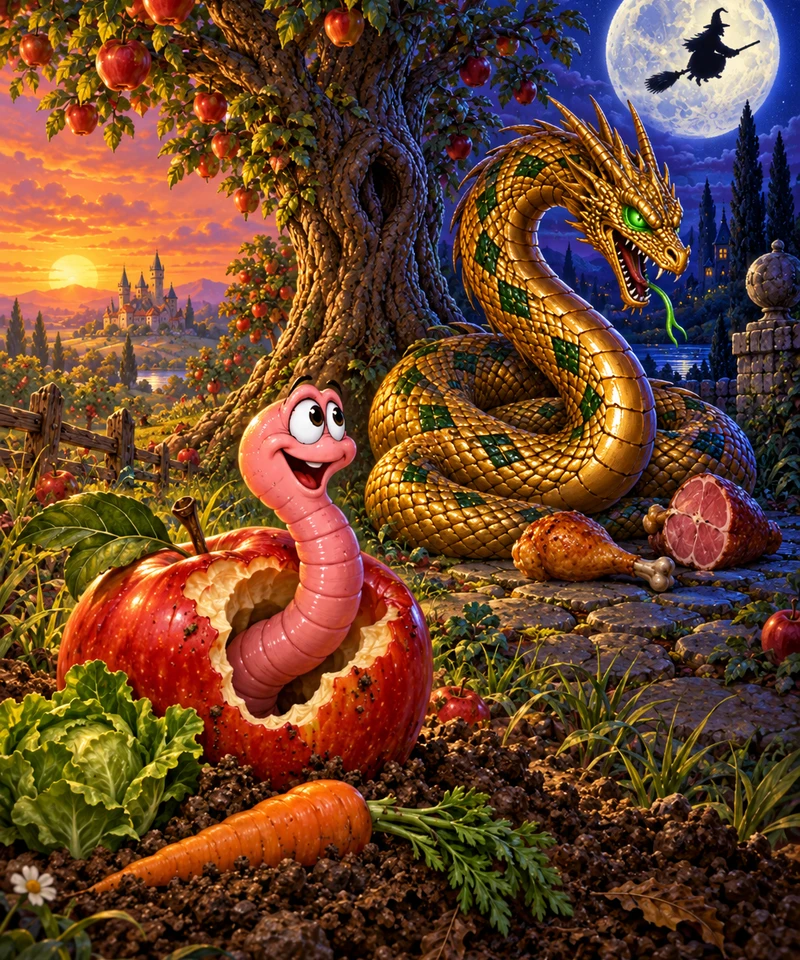
04Painted orchard at the turn of day and night: under a sunset sky, Willy the pink earthworm grins out of a bitten red apple beside a lettuce and a carrot; behind him, on moonlit flagstones, the golden Wyrm coils beside a drumstick and a ham while a witch flies across the full moonWyrmThe Witch’s Orchard · Eat-and-grow arcade
Box / poster artwork concept · View poster

Eat the right thing at the right time.

Willy the earthworm was minding his own business at the bottom of the orchard when he ate the wrong apple. A spiteful old witch had cursed it, and now, whenever the moon rises, Willy becomes a Wyrm.

By day he is a pink, vegetarian worm in a muddy garden, after apples and garden greens. By night he is a golden, carnivorous serpent on moonlit flagstones, and he craves meat. The food on the board stays exactly where it is, so whatever was dinner a moment ago may now be poison. Eat the wrong thing and the indigestion sends your controls the wrong way.

Ten apples. Eight orchards.

Only daylight brings the end closer. Eat ten apples by day to clear an orchard; clear eight to break the curse for good. Nights are for surviving and scoring. Everything you eat makes you longer, and your length carries from one orchard to the next, so every snack is a decision you live with.

One more go

Easy to pick up, and the orchard you almost cleared is always the next one. Pause when you need to and chase your high score: the Amiga keeps it for as long as the machine stays on, and the BBC Micro saves it to a writable disc. A Commodore Amiga original, with a BBC Micro edition written in 6502 assembly.
From the machine

See it in action.

Screenshots are emulator captures shown through MAME's CRT shader.
Select one to enlarge it, then choose Clean for the original capture.

Commodore Amiga

Game released · shop opening soon

Amiga 500 edition. Use a joystick in port 2 or the keyboard.

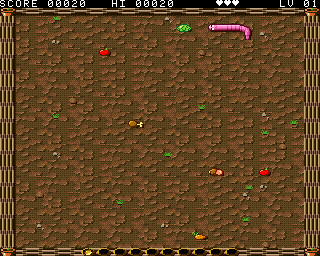
Wyrm: The Witch’s Orchard on the Amiga by day: Willy, a pink earthworm, turns towards a lettuce on a muddy garden scattered with apples, a carrot, a drumstick and a ham, with the score, hearts and level along the top
Gameplay / Commodore Amiga
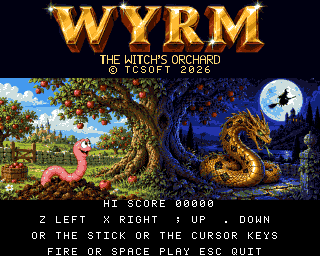
Wyrm: The Witch’s Orchard title screen on Commodore Amiga
Title screen / Commodore Amiga

Controls Joystick or cursor keys: steer. Z / X: left / right. Semicolon / full stop: up / down. Fire or Space: start. P: pause. Escape: title.

Digital: ADF disc image. Physical: 3.5-inch floppy. High scores last for the session.

BBC Micro

Game released · shop opening soon

BBC Micro Model B. DFS disc edition.

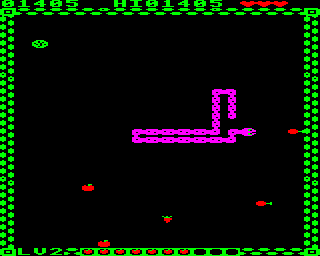
Wyrm: The Witch’s Orchard on the BBC Micro by day: Willy, a long pink earthworm, winds across a black garden inside a green fence, with two apples, a carrot, a cabbage and two drumsticks around him, the score, high score and hearts along the top, and seven apples on the curse meter along the bottom
Gameplay / BBC Micro
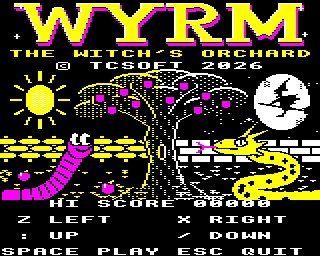
Wyrm: The Witch’s Orchard title screen on BBC Micro
Title screen / BBC Micro

Controls Z / X: left / right. Colon: up. Slash: down. Space: start. P: pause. Escape: title.

Digital edition: SSD disc image. Physical format: 5.25-inch floppy.

Bonus game BBC Micro

Also in the box: Wyrm (2026), where it all began.

Included free with every edition of Wyrm: The Witch’s Orchard, Amiga and BBC Micro alike. It is not sold on its own.

The original Wyrm was the first game TCSoft ever made — a test of whether we could build a game at all. The BBC Micro version is written in BBC BASIC and it shows: it is a plain, slow, single-life snake game, and we'd never ask you to pay for it on its own. We include it because it's where The Witch's Orchard began, and because we think the story is worth keeping. Play it as a historical curiosity, not a lost classic.

BBC Micro Model B. DFS disc image. Written in BBC BASIC.

Controls Z / X: left / right. Colon: up. Slash: down. Space: start. P: pause. Escape: title.

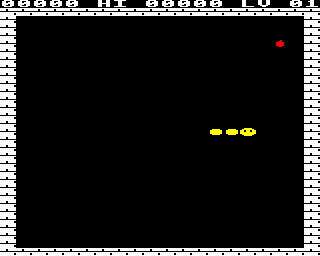
The original Wyrm on the BBC Micro: a short yellow Wyrm heading for a red apple inside a brick-walled arena
Gameplay / Wyrm / BBC Micro
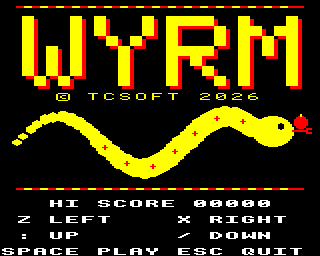
Wyrm title screen on BBC Micro
Title screen / Wyrm / BBC Micro

Shown through a CRT shader (crt-geom-deluxe).The original emulator capture.